
Searching Butler Cases by Name
Kansas CaseSearch is the public web route for Butler County District Court cases. Smart Search accepts a record number or name, while specialized choices include party name, business name, nickname, attorney name, attorney bar number, case cross-reference number, citation number, case number, and judicial officer. The official guide says registration is needed for Smart Search. A broad name can return many records, so confirm the county, case type, filed date, and party role before opening an entry. A name match alone does not establish identity or the outcome of a case.
Use the narrowest known facts. Choose Butler under Filter by Location, then add case type, status, filing-date range, or judicial officer only when those facts are known. Do not guess at private identifiers. If the portal asks for verification, complete its robot check and submit the search once the required value is present.
- Open Kansas CaseSearch and register if Smart Search requires it.
- Select Party Name or Smart Search and enter the known name.
- Choose Butler under Filter by Location and apply only reliable filters.
- Open the matching case, verify its header, and select Events.
| Field Label | Type | Required | Notes |
|---|---|---|---|
| Record number or name | Text | Yes | Basic Smart Search value |
| Search Type | Dropdown | For specialized search | Includes party, business, citation, case, attorney, and officer choices |
| Filter by Location | Dropdown | No | Select Butler for a county case |
| File Date Start / End | Date | No | Narrows the filing window |
| Case Type / Status | Dropdown | No | Portal-controlled values |
| reCAPTCHA | Challenge | Yes | Complete before Submit |
Butler CaseSearch’s Exact Path
The most reliable Butler County case search starts with a known number. The current official El Dorado notice describes the live labels: open Select Search Type, choose Case Number, enter the number, choose Butler County, and open the result. Select Events for the chronological register of activity. Use View Document only where that control appears beside a filing. The Events tab can show that something was filed even when no public image is attached.
The public interface is distinct from the system used to file papers. The Kansas Court eFiling System, called eFlex, asks authorized filers for a user name and password. It is not a public docket search. A person checking a filed paper should use CaseSearch or contact the clerk, not try to enter a filer account.
The two systems can also show different stages of work. Submission through eFlex does not promise instant public display. Likewise, a public Events row does not mean the full image is available online.
The successful eFlex portal capture shows the filing login and registration route.
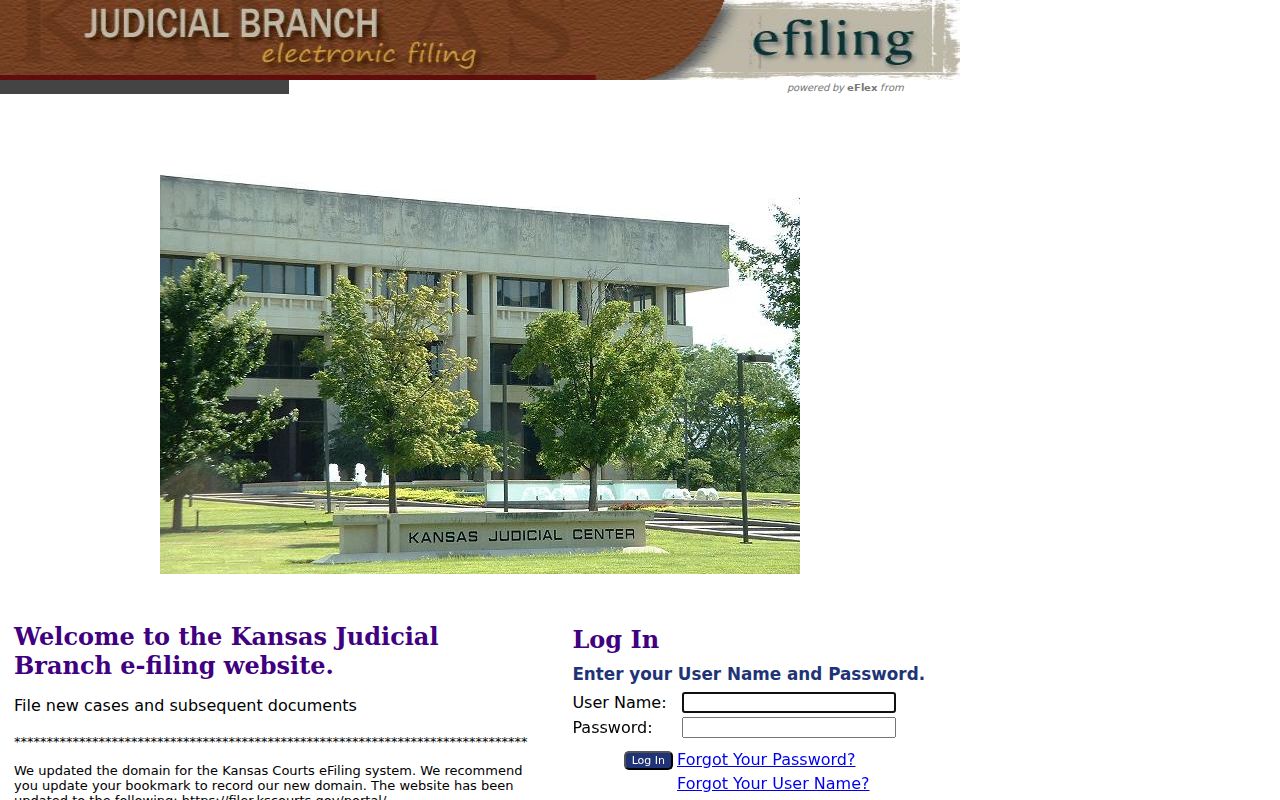
The account fields in that view belong to filers, while public readers should remain in Kansas CaseSearch.
The successful Tybera support capture shows the help route for authorized eFlex accounts.
That support service addresses filing accounts, not public Butler County case searches or clerk copy requests.
Butler Case Number Search
Modern Butler County District Court numbers follow BU-YYYY-TT-######. The prefix identifies Butler, the four digits identify the year, the two-letter segment marks the case type, and the last six digits are the sequence. Sanitized examples include BU-YYYY-CR-000001 for criminal, BU-YYYY-CV-000001 for civil, and BU-YYYY-MV-000000 for motor-vehicle matters. Enter the number as supplied by the court and choose Case Number as the search type.
Cases begun before the 13th Judicial District’s November 2021 Odyssey rollout may omit the county prefix, using a pattern such as YYYY-CR-000001. If an exact modern-format search fails, verify the filing date and try the older form. Municipal citation numbers follow city systems and should not be forced into this district format.
The Butler Pre-2021 Trap
A blank search is not proof that no Butler County case exists. The eCourt rollout changed both number style and online document coverage. An older converted case can have a visible index with fewer document images, or it may need a courthouse search. First remove an incorrectly added BU- prefix from a pre-rollout number. Next confirm Butler as the location and the right search type.
If the record still does not appear, use the public computer or ask the Clerk of the District Court for file review. The official district-court access overview explains that courthouse access can differ from web access. Legal restrictions still apply at the terminal, but converted or offline public material may be found there.
The captured district-records page illustrates Kansas’s web, terminal, and clerk access levels.
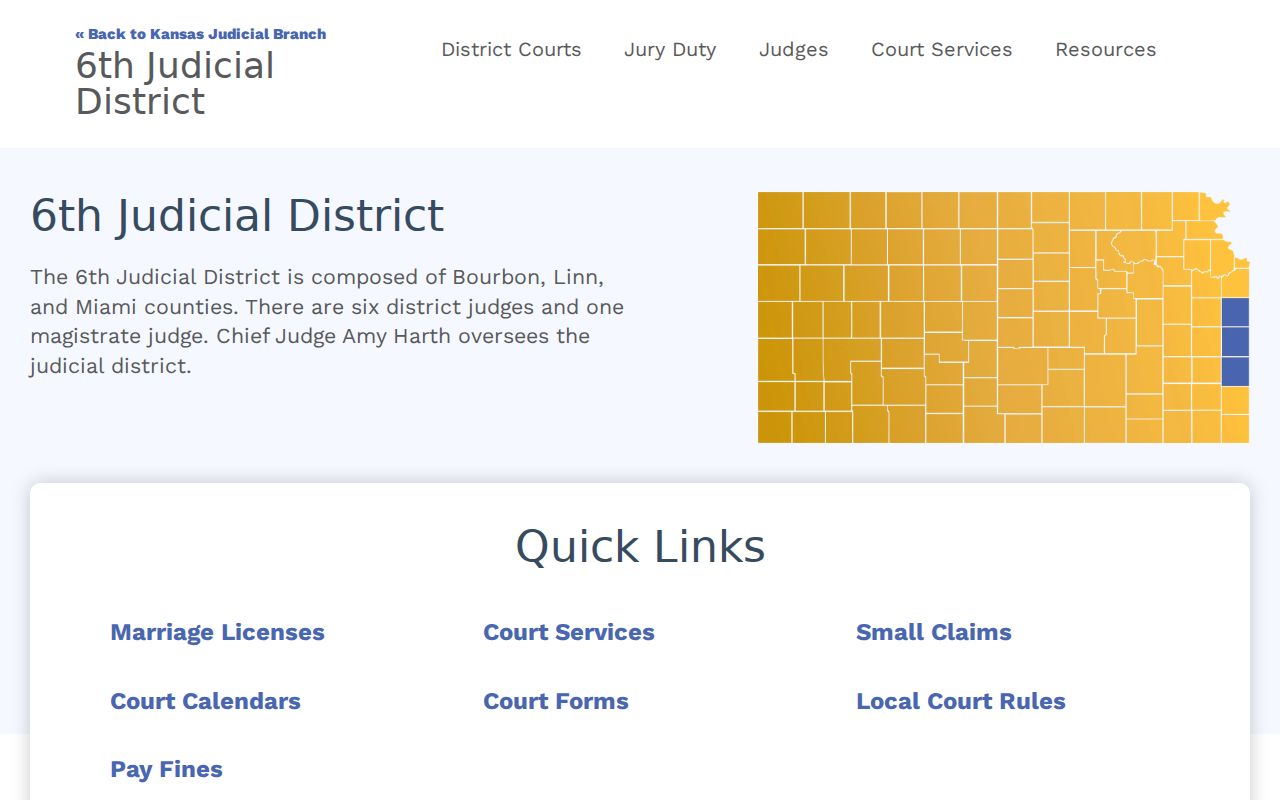
That layered access model explains why one failed portal attempt should lead to a second channel, not a firm conclusion.
What Butler Case Search Returns
A Butler County case search result begins with the header. Check the court location, number, case type, filing date, status, judicial officer, parties and their roles, and attorneys. Then read Events in date order. That list may show filings, service, settings, continuances, orders, pleas, judgments, dismissals, or disposition activity. A brief event label is not a substitute for the signed order, and an old setting can remain in the history after a later reset.
| Case Number | Modern county, year, type, and sequence identifier |
|---|---|
| Parties | Public names and roles, subject to access rules |
| Case Type | Classification such as criminal, civil, motor vehicle, probate, or domestic |
| Filed Date | Date the case entered the court record |
| Status | Portal value such as open or closed, interpreted with later Events |
| Events | Dated, brief descriptions in the register of action |
| View Document | Public image or PDF when online access is allowed |
Butler Events Versus Documents
Events and View Document answer different questions. An Events row records that an act occurred in the case. A View Document link opens a filing only when Kansas rules and the online system allow it. The complete official file may also include pleadings, exhibits, or signed material not attached to the public row. A browser PDF is not a clerk-certified copy.
Quick check: Use Events to trace procedure. Ask the Butler clerk for a specific copy or certification when the document itself matters.
Read later entries before relying on a hearing or outcome. A reset can supersede an earlier setting, and a later order can change an earlier event. When a deadline or appearance is at stake, call the correct Butler division and cite the case number and newest event date.
Statewide and Butler Case Search
Butler has no separate county-built district case portal. Kansas CaseSearch is the statewide access layer, and the Butler filter turns it into a focused county search. The clerk and courthouse terminal are local access channels, not competing online databases. Municipal courts remain separate because each city clerk keeps city ordinance and city traffic records until an appeal or other district filing is created.
| Kansas CaseSearch | Butler Clerk and Terminal |
|---|---|
| State district-court index and permitted online documents | Butler public file, copies, certification, and local routing |
| Search by supported type and filter to Butler | Use a case number and identify the exact record |
| Best for public Events and available images | Best for older, offline, complete, or certified material |
When Butler Search Stalls
A malformed number, wrong location, blank required field, browser issue, or failed reCAPTCHA can stop a valid search. The official guide recommends Chrome. Try the exact case number, then the older number form if the filing predates the rollout. Use a targeted party, citation, cross-reference, or judicial-officer search when that is the only reliable clue.
The next step is the courthouse public computer. An appointment or file-review route begins through the Butler clerk at 316-322-4370. Division staff can also confirm a disputed setting. For a specific public document, copy, or recorded hearing, the written records form supplies the formal request channel. Mail goes to the Butler County Court Clerk’s Office, 201 W. Pine, Suite 101, El Dorado, KS 67042. These routes may reveal public material that is not on the web, but they do not override a seal.
Select Butler, Not All Locations
All Locations can mix records from several Kansas districts into one result set. Select Butler when the filing belongs here, then compare the case number, type, filed date, and party role. This county filter is especially useful for a common name. It also reduces the risk of opening a similar case from another district. If a municipal ticket is still absent, the likely issue is court custody, not a need to broaden the statewide search.
Butler Access and Restricted Cases
Kansas Supreme Court Rule 22 limits portal and terminal access for sensitive categories. Adoption, juvenile, guardianship, some family and protection matters, expunged cases, grand-jury records, and other listed categories may be absent or partial. A public case may still contain a warrant, affidavit, exhibit, or protected filing that cannot be viewed online.
Rule 24 requires protected personal information to be redacted from public filings, while Rule 106B defines the electronic register and warns that an electronic copy is not always the official record. If a record is missing, ask the custodian whether the cause is format, conversion, offline availability, or a governing rule. A written public-record request can seek a specific accessible item, but it cannot bypass a seal or require a bulk people-list.