
The Butler County Court Calendar
For a real Butler County District Court appearance, the case record beats everything else. Open the case in Kansas CaseSearch. The Events tab there lists each setting. View Document may attach the notice or order behind it. For broader scheduling notices, the district also publishes its own 13th Judicial District calendar. It offers month, year, calendar, and list views. Treat that page as a general district calendar, not a complete daily case docket.
Two offline layers close the gaps. The assigned division or clerk will confirm the operative setting by phone. At the courthouse, a public computer sits at the north entry. A designated file-review room is also open by appointment. One caution: municipal dates live on each city's own citation, notice, and calendar systems. Never assume a city ticket will surface on the district calendar.
Butler Events Versus General Calendar
Each online tool answers a different question. CaseSearch pins a hearing to one Butler case. The district calendar spreads wider, listing public entries across the court. For a required appearance, the Events row is the stronger start, especially once View Document opens the notice or order.
| Source | Best use | Limit |
|---|---|---|
| CaseSearch Events | Case-specific filings, settings, and orders | Can lag a reset or hide restricted details |
| 13th District calendar | General public district events and notices | Not a complete daily case docket |
| Division clerk | Human confirmation of the operative date | Requires the right case number or division |
| Public terminal | Records not available on the web | Appointment and access rules apply |
Cross-check with the general calendar; never let it replace the case order. When the two disagree, the newest signed notice or clerk confirmation wins.
How to Find Your Court Date
A case number makes every search easier. Current Butler numbers usually open with BU. Then they carry the year, case type, and a six-digit sequence. Records older than November 2021 may not use the BU prefix. You can also search by name, citation, cross-reference, or judicial officer. Filter carefully for the Butler location.
- Open CaseSearch, choose the best search type, enter the value, and select Butler County.
- Open the matching case and read the newest Events, not only the first date shown.
- Check the setting type, date, time, division or judge, and any courtroom or remote instructions.
- Open View Document for the newest notice or order when it is publicly available.
- Compare the date with the 13th District general calendar only as a second check.
- Call the relevant division if the date is absent, old, or inconsistent.
- Use the courthouse terminal or a specific records request if the public web view is incomplete.
Call the clerk at 316-322-4370 to make an appointment. The public counter sits at 201 W. Pine, Suite 101, in El Dorado. Also weigh the portal against any summons, citation, mailed notice, or order you already hold.
Butler Division Date Confirmation
Butler County District Court splits its docket by subject and judicial assignment. Calling the right subject desk resolves a date faster than a general calendar question would. Have the full case number in hand, then ask three things: which setting currently governs, whether you must appear, and whether the notice names a room or a remote link.
Criminal and Traffic
Criminal: 316-322-4375 or 316-322-4374
Traffic: 316-322-4372 or 316-322-4377
Civil and Chapter 61
Civil: 316-322-4332
Chapter 61 and Small Claims: 316-322-4373
Family and Other Divisions
Domestic and Child Support: 316-322-4280
Probate: 316-322-4371
Juvenile and Minor: 316-322-4369
Division phone lines confirm dates; they do not give legal advice. A protected case may involve identity checks or show the public less date detail.
Reading a Court Setting
A good Butler County court calendar entry answers five questions: when, where, before whom, why, and under which case number. Labels vary with case type and court. The notice or order often adds detail the Events summary leaves out.
| Date | The scheduled calendar day; check for a later reset or continuance. |
|---|---|
| Time | The appearance time, which may differ from a broad docket-call time. |
| Courtroom | The room, building, or other location stated by the court. |
| Judge or Division | The judicial officer or division tied to the setting. |
| Setting Type | Arraignment, motion hearing, conference, review, trial, sentencing, or another event. |
A hearing entry is not a result. A motion setting does not show the motion was granted. A trial date does not show a trial happened. Later Events and signed orders tell you what actually followed.
Butler Setting Labels
Local and municipal calendars lean on practical labels that look alike but serve different ends. Andover, for instance, publishes First Appearance, Sentence Review, Pay or Appear, Trial, Attorney Conference, Pro Se Conference, and Diversion Matters. Those city labels fit city courts. Do not force them onto every district division.
- First Appearance
- An initial scheduled appearance or rights and plea stage.
- Pay or Appear
- A municipal label directing payment or attendance under the citation instructions.
- Sentence Review
- A later review of compliance or sentence status.
- Continuance or reset
- A change that moves the setting while leaving the former date in history.
- Disposition
- A result or order resolving a claim or charge, not merely a future setting.
Butler publishes no countywide list of setting abbreviations. Never guess a short code's meaning. Open the linked order, or ask the clerk what the event text actually says.
Resets, Continuances, and Cancellations
A reset usually shows up as a later Event or order. The earlier Butler County court date can still sit in the chronology. History stays in the record. Read forward to the newest setting. Watch for words like continued, reset, passed, or vacated. If it is public, open the linked document to be sure.
Some things you will not find. There is no countywide reset code list, no fixed notice period, no universal weather procedure, and no standing Zoom directory. Broad calendar entries move too. When a portal date fights a summons or order, call the division and ask which document controls. Never read silence on a public page as cancellation.
Note: the newest signed order in the case controls. It outweighs an older Events row or a general calendar listing every time.
When Butler Dates Disagree
Disagreement calls for a quick verification chain. Save the case number and note where each date came from. Open the newest View Document notice, check whether a continuance follows the older entry, compare the district calendar, then call the division. City case? Call that municipal clerk, not the Butler district desk.
Do not choose between conflicting dates by guesswork. Ask which setting is operative and whether the court expects an in-person or remote appearance.
No document online? Arrange courthouse access through the terminal or file room. A written request can name the case number, hearing date, and the notice or recorded hearing you want. The portal promises no fixed refresh interval.
Pre-Odyssey Butler Court Dates
Butler County's 13th Judicial District moved onto the statewide Odyssey system on November 1, 2021. Older converted files can look odd. The case number may lack the BU prefix. Fewer PDFs may sit in the online court record. Run a docket search both ways before deciding a Butler County hearing is missing.
A pre-Odyssey index can still point to useful Events. When the public chronology runs thin, lean on the clerk. Call 316-322-4370 with the case number and ask for a public-file appointment. The terminal there can hold court records missing from the web. It cannot override Rule 22 limits, though.
Portal trouble is not proof. It is an access problem to troubleshoot. It is not a sign that a Butler County hearing was removed.
What To Do If You Miss a Setting
Move quickly after missing a Butler County court setting. If you have counsel, call that office first. Otherwise, phone the clerk or the correct division with your case number and ask what the docket now shows. Do not go to a courtroom or assume a new date without current instructions.
Missed a setting? A missed criminal, traffic, or municipal appearance can lead to a failure-to-appear entry, warrant, or other court action.
Contact the proper clerk or attorney at once and ask how to confirm the case status and next setting.
A licensed Kansas attorney can advise about legal consequences and the safest response.
Civil cases work differently. A court may go ahead, enter an order, dismiss a claim, or address default. That depends on the case and the notice given. Check Events for later action and pull the signed order. No general Butler calendar can tell you the full procedural result. The official 13th Judicial District calendar shows the district's public entries.
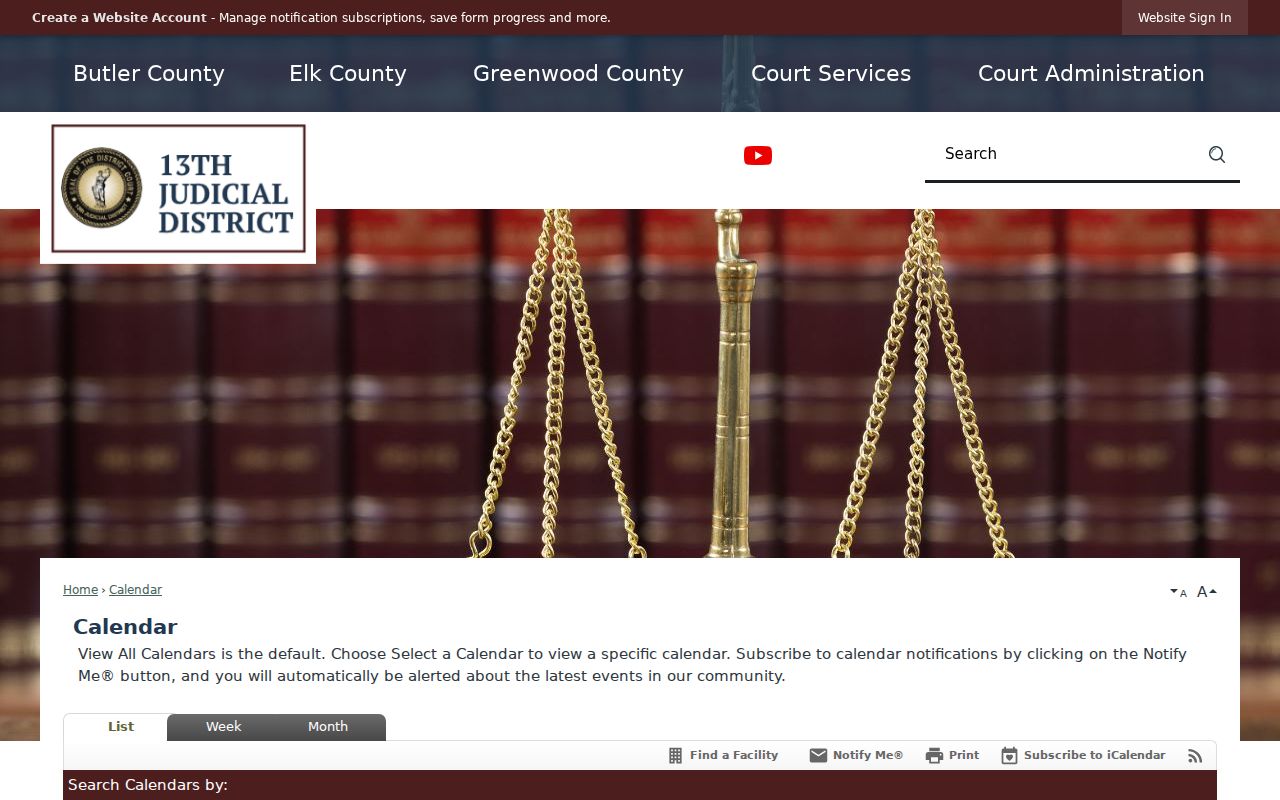
That calendar helps for public district entries. For a required appearance, though, a case's latest Events, its notice, and confirmation from the division are the stronger sources.